Overview:
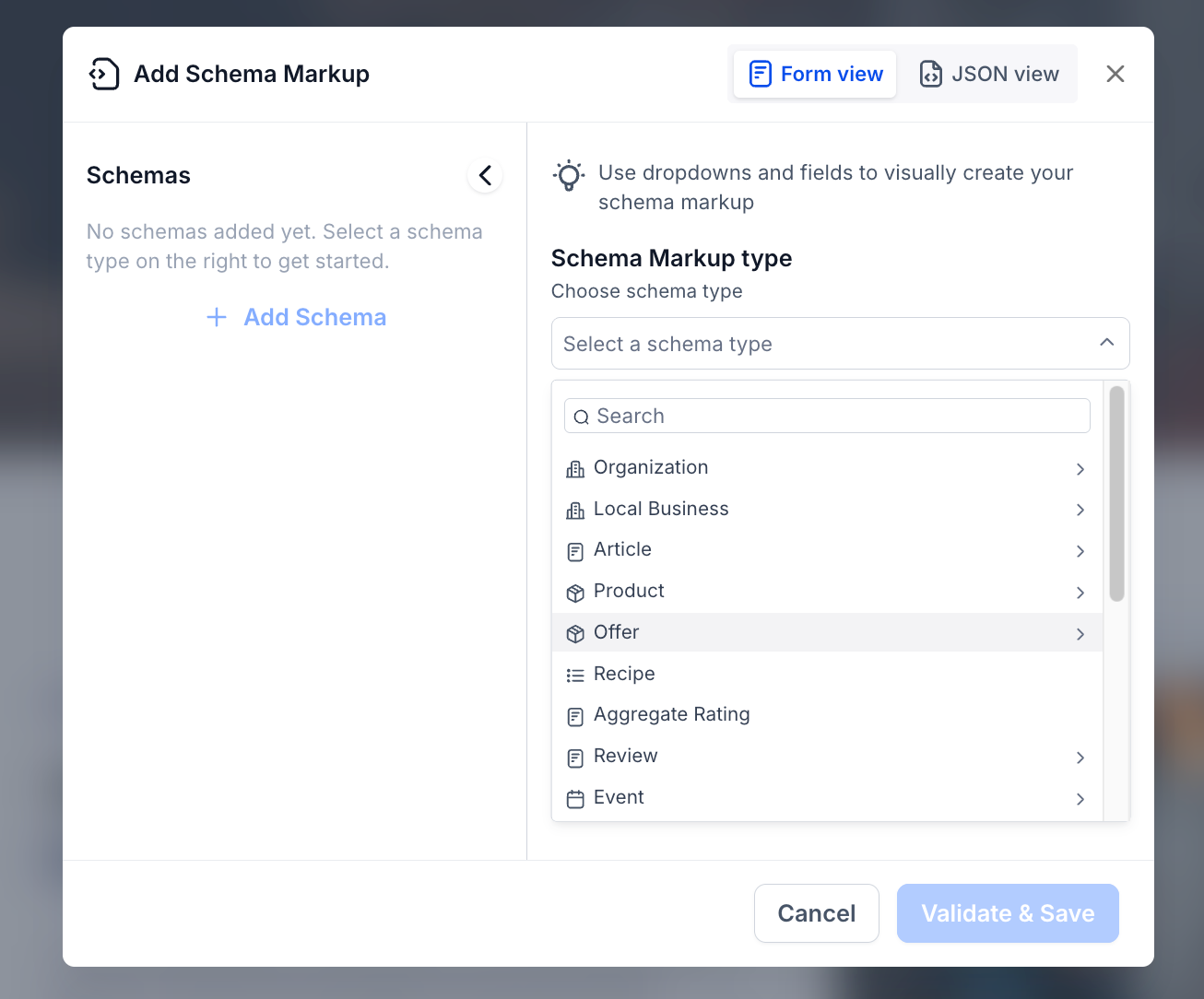
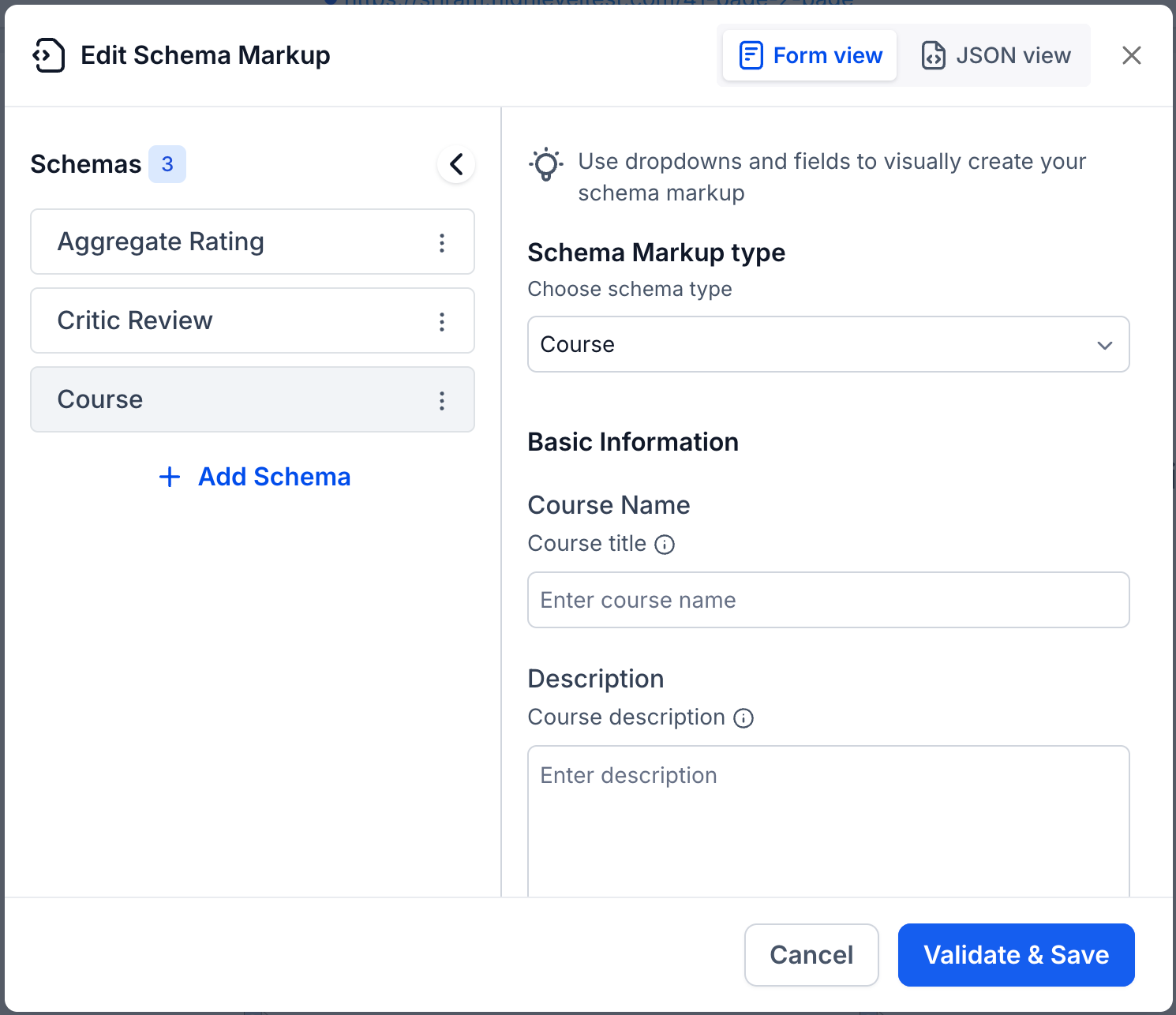
The Schema Markup module now supports 7 additional schema types in the manual creation flow — bringing total parent-level support from 12 to 19. Users will find these new types in the "Add Schema Markup" or "Edit Schema Markup" popup alongside existing ones. Select a type, fill in the fields via Form view or JSON view, and hit Validate & Save. No workflow changes required.
New Schema Types: Offer · Review · Aggregate Rating · Recipe · ImageObject · Service · Course
This applies to the manual flow only. The AI-assisted flow already supports all Schema.org types.
Supported Modules: Websites & Funnel Pages
Why This Matters
Businesses in categories like e-commerce, food, education, and services can now add category-specific structured data — improving rich result eligibility on Google.
Precise schema markup helps LLMs better understand and cite business content, increasing the chances of AI-generated references and recommendations.
How It Works
Click + Add Schema or Edit Schema Markup → the pop-up opens.
Select a schema type from the dropdown (search or scroll).
Fill in the fields or paste JSON-LD, then click Validate & Save.
Existing schema markups are unaffected. New types simply appear as additional dropdown options.
Was this article helpful?
That’s Great!
Thank you for your feedback
Sorry! We couldn't be helpful
Thank you for your feedback
Feedback sent
We appreciate your effort and will try to fix the article