To enable the new experience, go to Labs and turn on CRM Redesign: Conversations + Contact Detail Page (Beta).
If you have already enabled this Labs toggle, all the enhancements listed below will automatically reflect in your account, no additional action required.
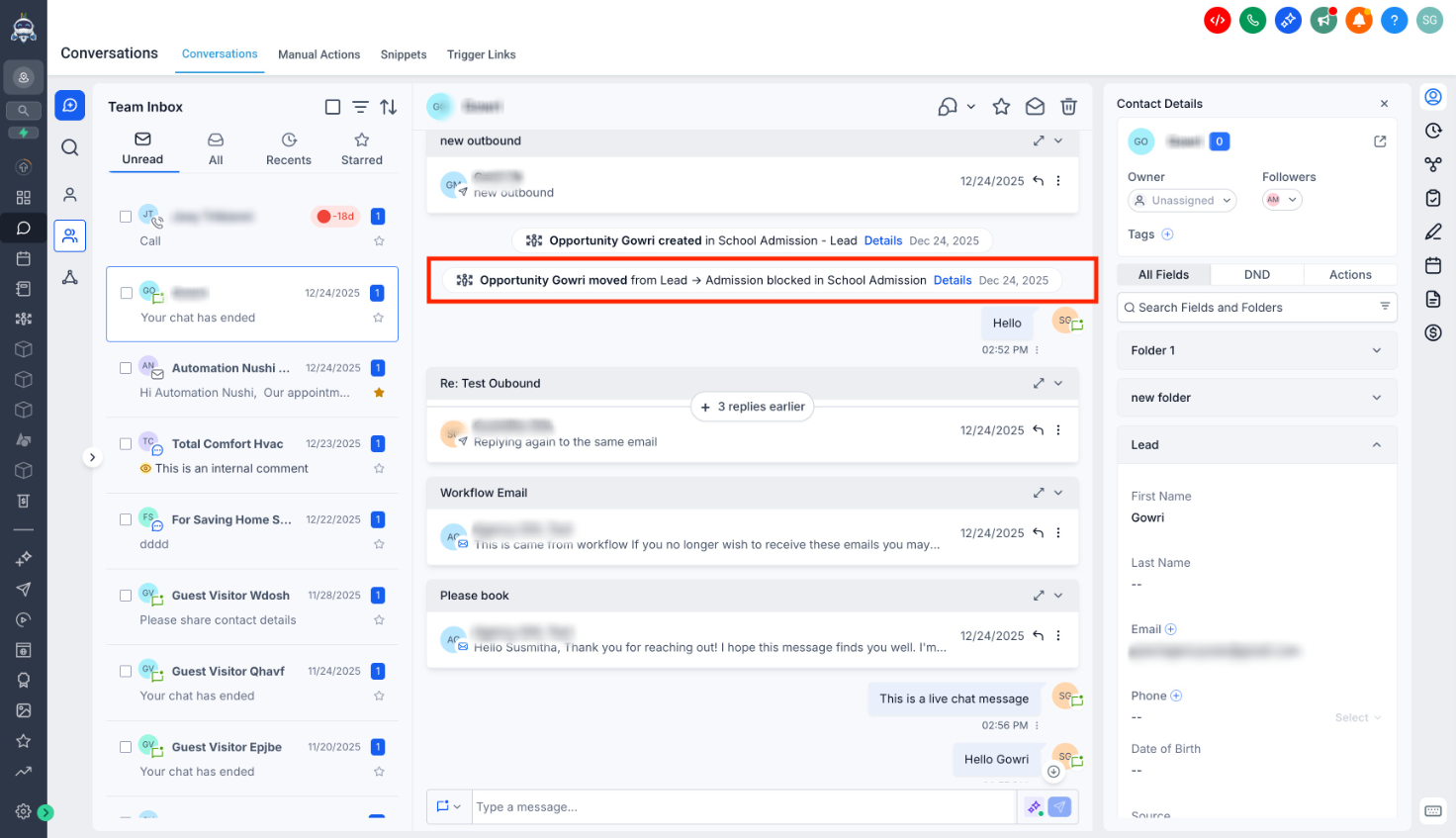
Activity entries now include more detailed context such as pipeline name, stage, and related information, making it easier to understand what changed and why at a glance.
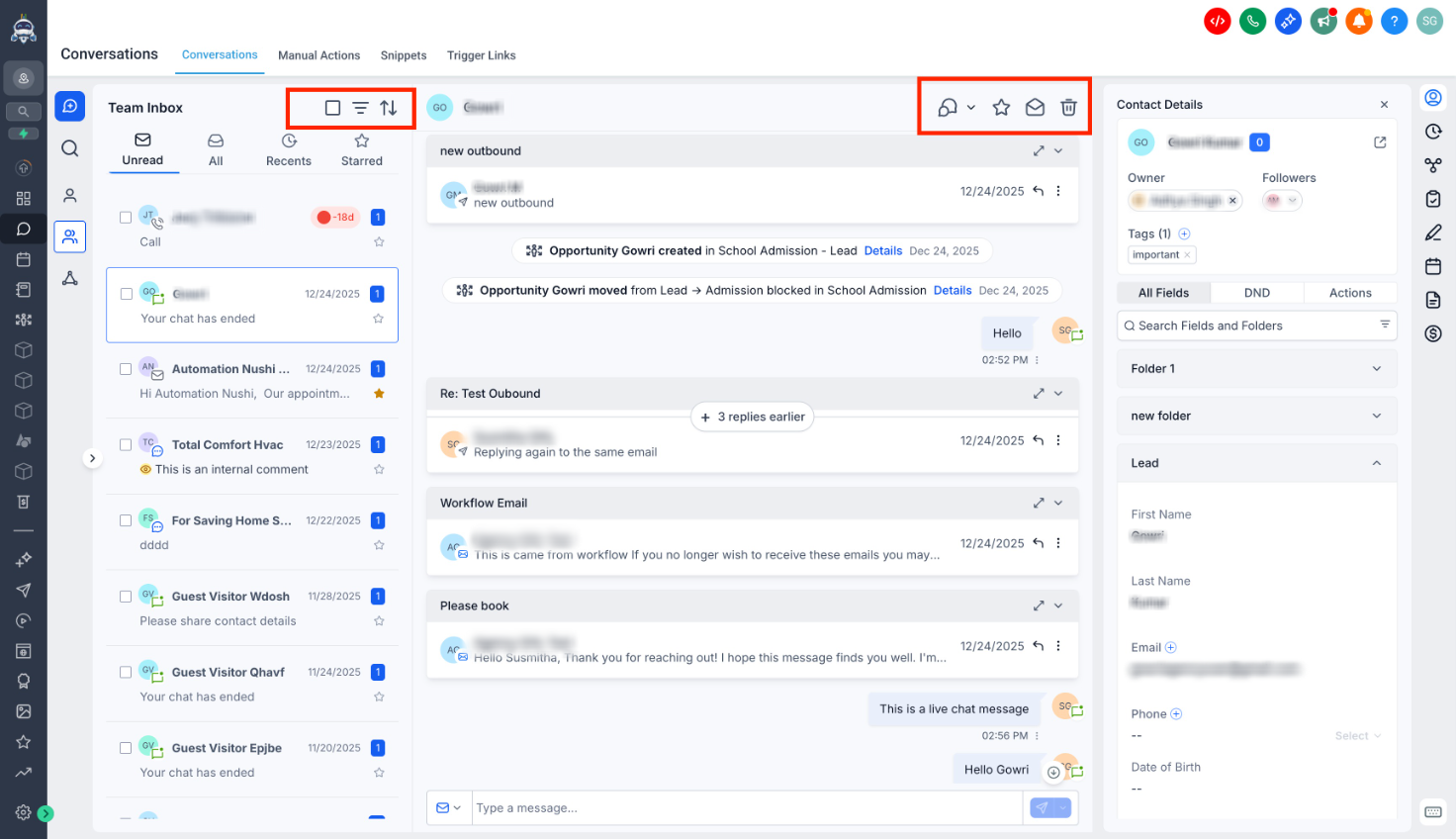
Icon sizes across the UI have been increased to improve visibility and allow quicker recognition of actions.
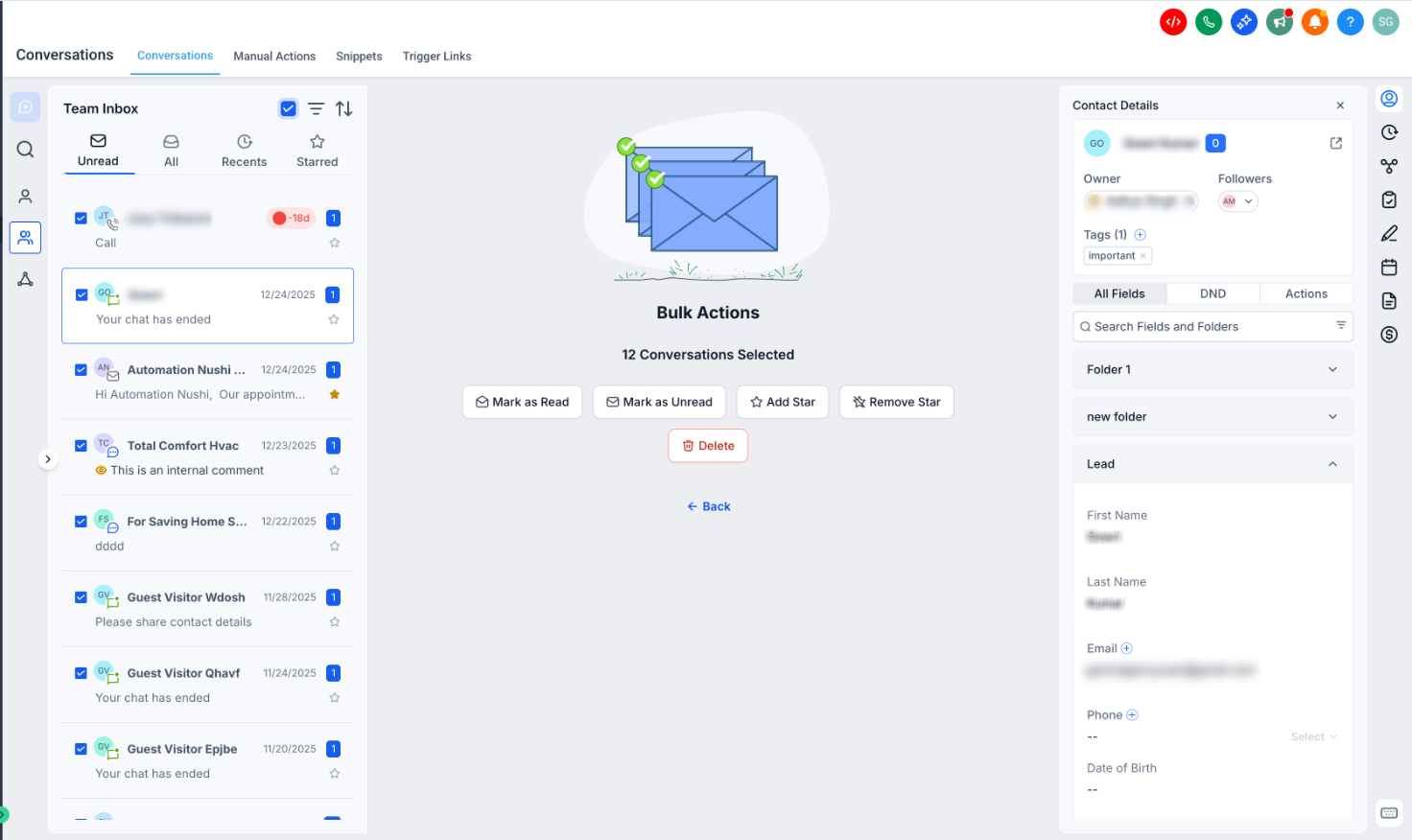
The bulk selection flow has been refined to make selection flow clearer and reduce confusion when managing multiple conversations.
When emails contain multiple threads, the indicator is now more prominent and easier to notice, making it simpler to locate at a glance.
Background colors, font sizes and contrast levels have been adjusted to make conversations easier to scan.
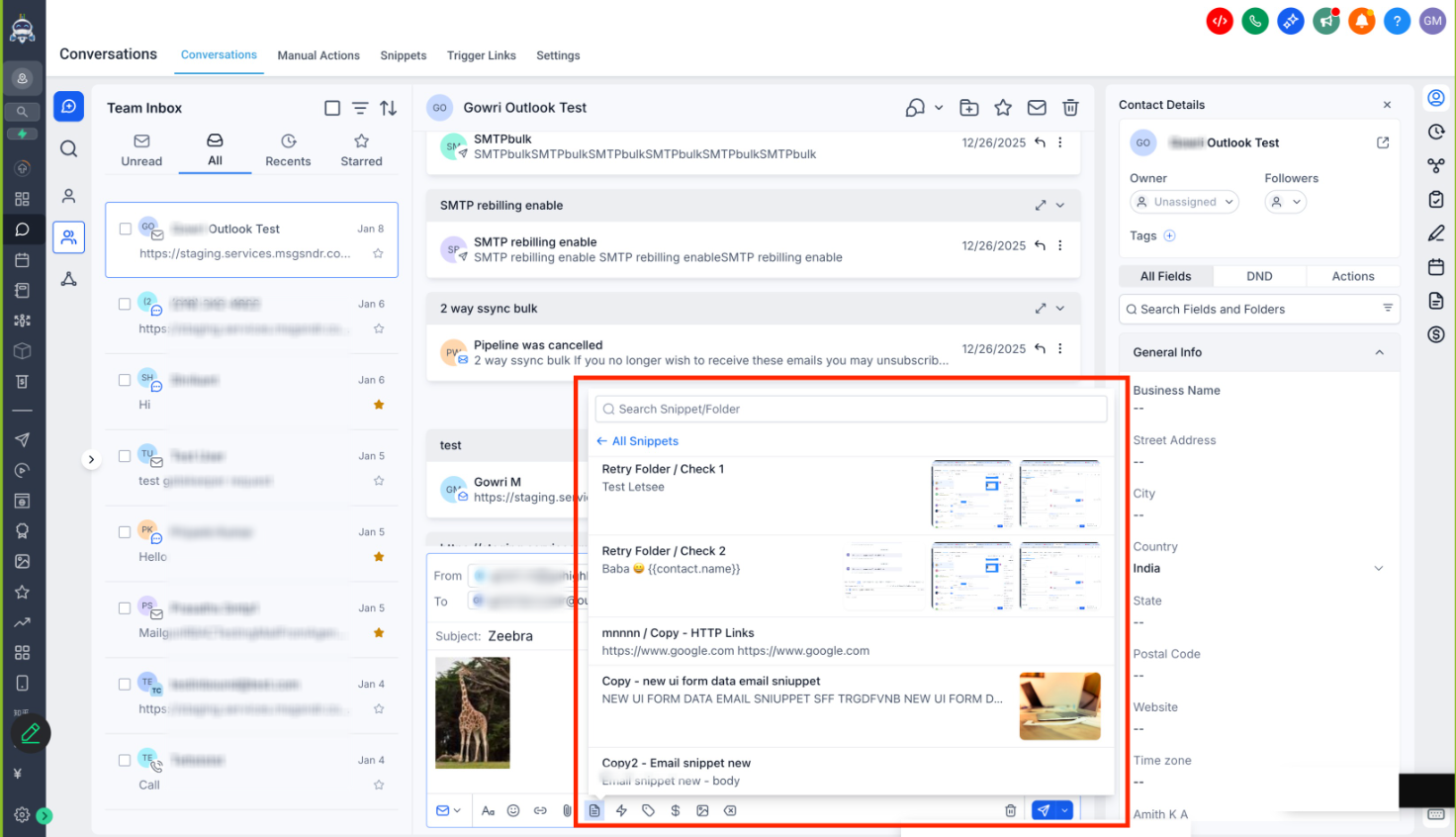
The snippet selector in the message composer is now larger, making it easier to browse, select, and insert snippets for faster and more efficient messaging.
We’ve added translation support for previously missing strings, ensuring a more consistent and complete localized experience across languages.
Was this article helpful?
That’s Great!
Thank you for your feedback
Sorry! We couldn't be helpful
Thank you for your feedback
Feedback sent
We appreciate your effort and will try to fix the article